
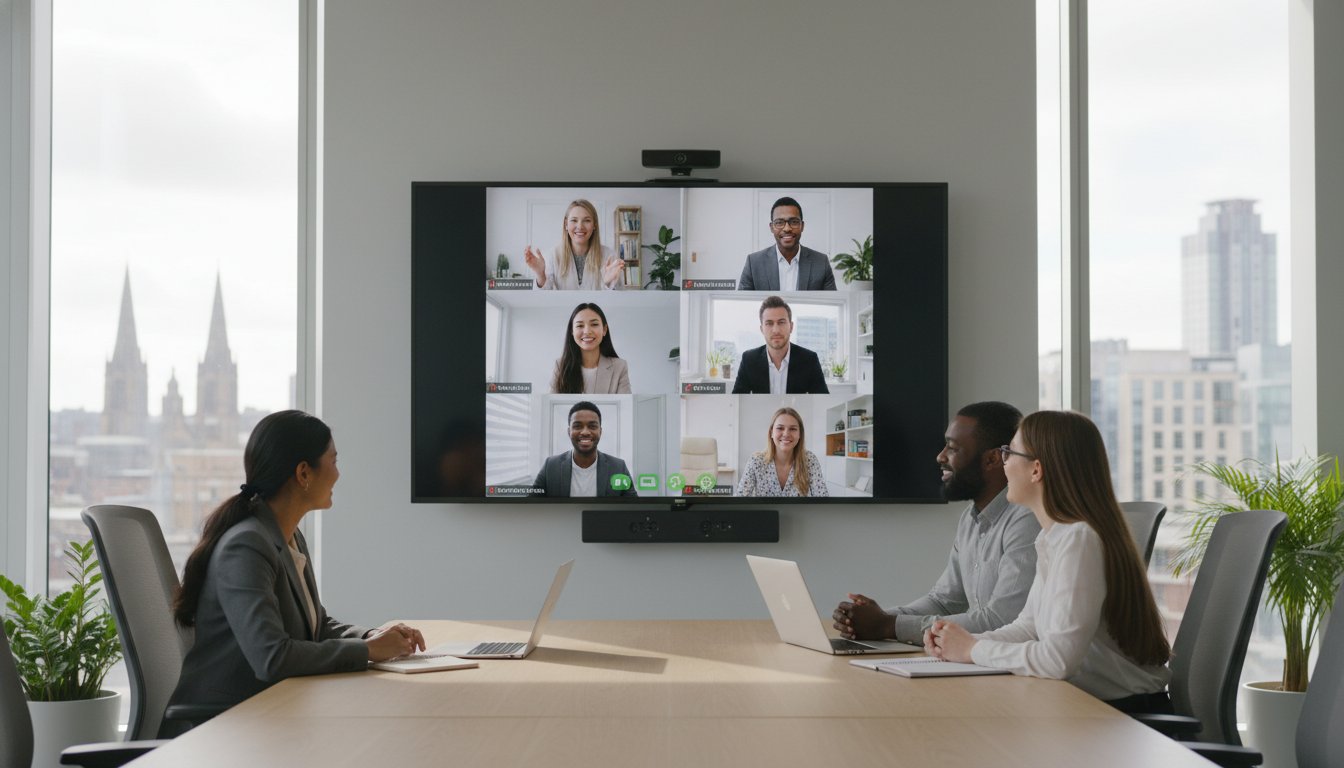
Did you know that an estimated 2.4 million UK businesses are still relying on legacy phone lines that will become completely obsolete by January 2027? As the PSTN switch-off approaches, many organisations find that their current connectivity struggles to support the high-definition demands of modern collaboration. There is nothing more damaging to a professional brand image than a pixelated video feed or audio lag during a critical client presentation. You need a connection that works as hard as your team does, providing a stable foundation for every digital handshake.
We understand that finding the right business broadband for video conferencing UK can feel like a complex task amidst changing regulations and infrastructure upgrades. This 2026 guide simplifies the process, showing you how to select and optimise business-grade connectivity for crystal-clear calls and seamless collaboration. We will walk you through the transition to full-fibre technology, the benefits of symmetrical upload speeds, and how to avoid the significant price increases hitting legacy services this year. By the end of this article, you will have a clear roadmap to future-proof your operations and ensure your technology remains a tool for growth rather than a source of friction.
Key Takeaways
- Understand the fundamental differences between residential and professional connections to ensure your video calls remain stable during peak business hours.
- Learn why upload speed, rather than just download speed, is the critical metric when selecting business broadband for video conferencing UK.
- Navigate the transition from legacy copper networks to modern FTTP and SOGEA solutions to avoid service disruptions and rising costs.
- Discover how simple internal network optimisations, such as Quality of Service (QoS) settings and wired connections, can eliminate audio lag and jitter.
- Explore how proactive monitoring and integrated support provide a resilient foundation that allows your team to focus on commercial objectives.
Why Standard Broadband Fails at Professional Video Conferencing
Relying on a residential-grade connection for your office is a gamble that often results in frozen screens at the worst possible moments. Many decision-makers assume that a high download speed is the only metric that matters, but this is a common misconception. Residential packages are typically sold as ‘best effort’ services. They operate on high contention ratios, which means you share your bandwidth with hundreds of local households. When local residents start streaming high-bandwidth content in the mid-afternoon, your critical client call suffers. The commercial cost is significant. It isn’t just about the frustration of a dropped call; it’s about lost productivity and the subtle damage to your professional reputation.
Choosing the right business broadband for video conferencing UK requires looking beyond the headline speeds. Standard broadband is often asymmetric, meaning the download speed is much higher than the upload speed. While this works for browsing the web, it fails during high-stakes video meetings where your ‘upstream’ data is what others see and hear. If your upload path is congested, your video will appear pixelated to clients, even if their connection is perfect. This imbalance creates a technical bottleneck that can make seamless collaboration impossible for a growing team.
The Difference Between Residential and Business Fibre
Business-grade connectivity offers a level of security that residential lines simply cannot match. The primary differentiator is the Service Level Agreement (SLA). While a home user might wait days for a fault repair, business-critical lines include specific fix-time guarantees. This proactive approach ensures your operations continue without prolonged disruption. Your traffic is also prioritised at the exchange level. During peak UK working hours, your data packets move to the front of the queue. This ensures that your business broadband for video conferencing UK remains stable while residential users experience the typical afternoon slowdown.
How Video Traffic Behaves on Your Network
Video conferencing is fundamentally different from downloading a file or streaming a movie. When you watch a film, your device ‘buffers’ data in advance to prevent pauses. Video calls happen in real time, so there is no buffer. Data must travel back and forth instantly. This is why Quality of Service (QoS) is vital. It allows your network to identify video data and give it the right of way over less urgent traffic like background software updates. Without this prioritisation, your audio will lag and your video will stutter. A stable, high-quality upstream connection is a necessity for maintaining the professional standards your clients expect in 2026.
The Technical Trio: Upload Speed, Latency, and Jitter
Most providers market their services based on headline download speeds. While this is helpful for consuming content, it tells only half the story for professional communication. When you select business broadband for video conferencing UK, you must look at the “technical trio” of upload speed, latency, and jitter. These three metrics determine whether your client sees a smooth, professional presentation or a frustrating series of frozen frames. A high download speed alone cannot compensate for a poor upload path or high latency.
Latency is the time it takes for a data packet to travel from your office to the server and back. High latency causes that awkward delay where participants accidentally talk over each other. Jitter is the variation in that delay. If packets arrive at irregular intervals, your audio will clip and your video will stutter. According to Ofcom’s advice for businesses, understanding these technical nuances is essential for choosing a service that supports modern real-time applications. For a flawless experience, you should aim for latency below 50ms and jitter below 30ms.
Why Upload Speed is King for Presenters
Upload speed is the most critical factor for your own video quality. When you speak or share your screen, you are sending a massive amount of data upstream. A standard 1080p high-definition stream requires roughly 3.8Mbps of dedicated upload bandwidth. If you are presenting in 4K, this requirement jumps to 20Mbps or more. In a multi-user office, these needs are cumulative. If five staff members are on simultaneous HD calls, your connection must handle a constant 20Mbps upload load just for the video streams. Maxing out your upload capacity is the fastest way to cause a total meeting dropout. If you are unsure if your current line meets these requirements, a quick conversation with a specialist can help audit your connectivity.
Measuring the ‘Health’ of Your Connection
Running a standard speed test often provides a superficial view of your connection health. To get a true picture, you need a professional test that measures packet loss and jitter under load. Packet loss occurs when data units fail to reach their destination, leading to those moments where a colleague’s screen suddenly turns black. A healthy business connection should have 0% packet loss. Identifying these issues early allows you to address infrastructure weaknesses before they impact a high-stakes presentation. A stable connection provides the emotional relief of knowing your technology will perform exactly when you need it most.
FTTP, SOGEA, or Leased Lines: Choosing Your Infrastructure
Selecting the right physical connection is the next step after understanding the technical requirements of your office. In the UK, the connectivity market is undergoing a massive shift. Older copper-based services are being phased out to make way for more resilient fibre options. For most SMEs, the choice comes down to three main technologies: SOGEA, FTTP, and Leased Lines. Each offers a different balance of cost and performance to support your business broadband for video conferencing UK.
SOGEA (Single Order Generic Ethernet Access) serves as a modern replacement for traditional broadband. It provides a fibre connection without the need for a legacy phone line, which is essential as we approach the January 2027 switch-off. While cost-effective, it still shares bandwidth with other users. If your team is small and video calls are frequent but not constant, SOGEA offers a steady, reliable bridge. It’s a purposeful choice for businesses looking to maintain efficiency without the premium cost of dedicated lines.
The Move to Full Fibre (FTTP)
Full Fibre, or Fibre to the Premises (FTTP), is rapidly becoming the standard for UK businesses. With gigabit-capable broadband now available to 89% of UK premises as of January 2026, it’s a highly accessible upgrade. By removing copper entirely from the local loop, FTTP eliminates the interference and weather-related instability that often plague older connections. This results in a much more stable environment for high-definition video. It’s also highly scalable; you can often increase your bandwidth with a simple software change rather than a physical hardware installation.
When to Invest in a Dedicated Leased Line
For organisations where video conferencing is a mission-critical operation, a dedicated Ethernet Leased Line is the gold standard. Unlike standard broadband, a leased line provides 1:1 contention. This means you aren’t sharing your bandwidth with any other businesses or households. You receive the full speed you pay for, 24 hours a day. This exclusivity removes the risk of mid-afternoon performance drops when local network traffic peaks.
The most significant advantage for video conferencing is symmetric speed. While standard fibre might offer 500Mbps download but only 70Mbps upload, a leased line provides the same high speed in both directions. This ensures that your outgoing video feed is just as clear as the incoming one. These lines also come with robust Service Level Agreements, often including four-hour fix-time guarantees. This level of support provides the security and operational longevity needed to support a truly modern, hybrid workforce. If you’re ready to explore these high-performance options, you can get in touch with our team for a tailored recommendation.
Optimising Your Office Network for Flawless Calls
The highest-quality external connection is only as effective as the internal hardware distributing it throughout your office. Even with a premium leased line, a weak internal network can introduce the very lag and jitter you have worked to avoid. For decision-makers, the first step in creating a resilient environment is addressing the “Wi-Fi vs Ethernet” debate. While modern Wi-Fi is convenient, a wired Ethernet connection remains the professional standard for workstations. It provides a dedicated, interference-free path that is essential for maintaining the stability of your business broadband for video conferencing UK during high-stakes presentations.
Relying on standard ISP-provided hubs is a common bottleneck for growing teams. These consumer-grade devices often lack the processing power to manage multiple simultaneous high-definition video streams. A business-grade router offers the advanced management tools needed to handle complex traffic patterns. It allows you to segment your network, ensuring that guest Wi-Fi or background software updates don’t consume the bandwidth required for your boardroom’s video link. This level of control provides the operational longevity your business needs to scale without constant technical friction.
Quality of Service (QoS) Explained
Implementing Quality of Service (QoS) is perhaps the most effective way to protect your video quality. This technology allows your router to identify and prioritise real-time data packets from platforms like Microsoft Teams or Zoom. Without QoS, a large file backup or a simple Windows update could seize your available upload capacity, causing your video to freeze mid-sentence. By setting up “traffic shaping,” you ensure that video data always has the right of way. It’s a proactive measure that prevents a single user’s activity from disrupting a company-wide meeting.
Hardware and Cabling Considerations
Your physical infrastructure must match your digital ambitions. We recommend Cat6 cabling as the standard for modern UK offices. It supports higher data rates and reduces the “crosstalk” that can degrade signal quality over longer distances. If your team relies on mobile devices, positioning your wireless Access Points (APs) is equally critical. You must avoid “dead zones” and interference from other electronic equipment to maintain a steady signal. Proper network design also ensures your broadband integrates seamlessly with your VoIP phone systems, creating a unified communication hub that is both reliable and professional.
Building a robust internal network requires a steady hand and technical foresight. If you’re concerned that your current office wiring or hardware is undermining your video quality, we can help you audit your network infrastructure to ensure it is fully optimised for 2026 and beyond.
The HJS Approach: Integrated Connectivity and Support
Selecting the right business broadband for video conferencing UK is a commercial decision as much as a technical one. We believe that your connectivity should align perfectly with your broader operational objectives. Our approach moves beyond simply providing a line; we focus on the holistic performance of your entire digital environment. This means we don’t just look at the speed of the connection, but also at the resilience of the hardware and the configuration of your software. It’s a partnership that prioritises your ability to conduct business without interruption.
The HJS Technology Ltd team provides proactive 24/7 monitoring to identify potential line faults before they impact your working day. If a performance dip occurs, we often know about it and begin the resolution process before you even pick up the phone. This steady hand allows you to focus on your core operations with the confidence that your infrastructure is being managed by experienced professionals. By providing a single point of contact for both IT and telecoms, HJS Technology Ltd eliminates the frustration of being passed between different suppliers when a complex issue arises.
Beyond the Connection: Managed IT Integration
A stable line is only effective if the devices using it are fully optimised. HJS Technology Ltd’s Managed IT Support ensures that your workstations, laptops, and boardroom hardware are always call-ready. We handle the background updates and configuration settings that prevent hardware lag during high-definition video streams. This level of attention ensures that your technology remains a tool for growth rather than a source of friction.
Security is equally vital in a world of remote collaboration. HJS Technology Ltd integrates robust Cyber Security measures to protect your video calls and sensitive data from external threats. This integrated approach ensures that your business broadband for video conferencing UK isn’t just fast, but also secure and reliable. Through strategic consultancy, we help you future-proof your office infrastructure, ensuring your technology grows alongside your team.
Ready to Upgrade Your Connectivity?
Upgrading your business connectivity shouldn’t be a source of stress. HJS Technology Ltd begins every partnership by assessing your current environment to identify the most suitable broadband tier for your specific needs. Whether you require the cost-effective stability of FTTP or the dedicated power of a leased line, we guide you toward the solution that offers the best commercial value. Our focus is always on long-term relationships and holistic outcomes.
The transition process is designed to be seamless. HJS Technology Ltd prioritises minimal downtime to ensure your team remains productive throughout the migration. HJS Technology Ltd’s personnel manage the technical complexities, allowing you to enjoy the benefits of high-quality video and seamless collaboration without the typical migration headaches. If you’re ready to enhance your professional image and improve team efficiency, contact our expert team today for a tailored connectivity audit.
Building a Foundation for Seamless Collaboration
Achieving flawless communication is about more than just raw speed; it’s about the reliability and foresight of your infrastructure. By prioritising upload paths and transitioning to modern fibre technologies, you protect your professional reputation from the technical friction of lag and jitter. Selecting the right business broadband for video conferencing UK ensures your team remains agile and connected as the 2027 copper switch-off approaches. This transition is a vital step in maintaining operational longevity and professional standards.
We understand that managing these technical transitions requires a steady and experienced hand. As an ISO 27001 certified provider, we support organisations from 5 to 200 users nationwide with a focus on total data security and infrastructure resilience. Our established partnerships with industry leaders such as Gamma, Evolve, and Webex allow us to deliver integrated solutions that are both secure and scalable for your growing needs.
If you’re ready to transition to a more resilient network, our team is here to guide you through every step of the process. We invite you to book a free connectivity audit for your business to identify the optimal solution for your unique requirements. We look forward to helping you build a stable foundation for your continued success and digital growth.
Frequently Asked Questions
What is a good upload speed for video conferencing in a small office?
You should aim for a minimum upload speed of 10Mbps to 20Mbps to support a small team effectively. While a single high-definition call uses approximately 3.8Mbps, having extra headroom prevents your connection from maxing out when multiple staff members are on simultaneous calls. This buffer ensures that screen sharing and video feeds remain smooth even during peak usage periods.
Is a leased line worth the extra cost for a business with 20 employees?
A leased line is often a wise investment for 20 employees if video conferencing is a daily operational requirement. Unlike shared fibre, a leased line provides 1:1 contention, which means your bandwidth isn’t shared with other local businesses. The symmetric speeds ensure your outgoing video quality matches what you receive, providing the stability needed for a professional office hub.
Can I use a home broadband package for my business video calls?
You can use a residential line, but it’s not recommended for professional environments where reliability is paramount. Home packages lack the Service Level Agreements and traffic prioritisation found in business broadband for video conferencing UK. This means your calls are more likely to suffer from afternoon slowdowns, and you won’t have access to the rapid fix times that business-grade support provides.
How does a static IP address help with video conferencing and VoIP?
A static IP address provides a fixed, unchanging identity for your internet connection, which is essential for the stability of VoIP systems. It ensures that your hardware remains easily reachable for remote access and hosting internal servers. This consistency reduces the risk of connection resets that can occur when a dynamic IP address changes, leading to more reliable communication.
What is ‘contention ratio’ and why does it matter for my internet speed?
Contention ratio describes the number of users sharing the same data capacity at your local exchange. A lower ratio is better because it means fewer people are competing for the same bandwidth. When selecting business broadband for video conferencing UK, a low contention ratio is vital for maintaining consistent speeds during busy periods when residential traffic typically spikes.
Will upgrading my router improve my video call quality?
Upgrading to a business-grade router can significantly improve call quality by managing data packets more efficiently than standard ISP hubs. Professional routers have more processing power to handle multiple high-definition streams without overheating or lagging. They also offer advanced management tools that allow you to segment your network, ensuring your boardroom video link receives the resources it needs to stay clear.
How do I prioritise Zoom or Microsoft Teams traffic on my network?
You can prioritise video traffic by configuring Quality of Service (QoS) settings on your router. This technical feature tells your network to give “right of way” to real-time data from platforms like Teams or Zoom. By doing this, you ensure that background activities, such as large file backups or software updates, don’t interfere with the bandwidth required for your critical video meetings.
What happens to my business broadband if the main line fails?
Most professional connectivity solutions include a failover option to maintain your operations during a line fault. This typically involves a secondary connection, such as a 4G or 5G backup, that automatically activates if the primary line drops. Having this redundancy in place provides emotional relief and operational security, ensuring your team can continue their video calls and digital tasks without disruption.